martes, 28 de septiembre de 2021

Web pages to create material 3


Description of the materials

Comic Pixton


It is a web page where you can create comics about whatever you want in the options you have add predesigned characters or create your own.

You can choose different scenarios, character movements, gestures, objects, and you can also add dialogues, thoughts, screams, and whispers. In the comic boxes, you can change the light if you want it to be day or night and save each one of them as a jpg image.

Lyricstraining:


It’s a web page and application where you can practice the listening and writing skill with songs in the language which you are teaching. You can choose three game modes: karaoke, choice of words (you must fill in the blanks with the words in the box), writing (you must fill the blanks by typing the word).

Also, you can choose four levels of difficulty: beginner, intermediate, advanced, expert, and search by genres of music.

I think it is a great material to work with young people since they can learn with something they like.


Starfall:


It´s a web page where has activities on the alphabet, math, numbers, geometry, colors, and special vocabulary according to the holidays. With them, there are songs and stories. So this material is especially for children of the level I mentioned above.


Web pages to create material 2


Description of the material 2

RUBISTAR:

It is a free website where you can create and edit rubrics online. You can choose several categories and subjects of study, where once chosen you can choose the predesigned points to qualify or write new evaluation points.You can save it in pdf, print it, create an offline browser-document, or download in excel spreadsheet.

PIKTOCHART:


Is a web page where you can create presentations by editing templates or from a blank page. You can add photos, videos, icons, and illustrations.As well as the background color, the texture, and the type of text.

I made an example of a presentation about dental hygiene for a kindergarten, contains demonstration videos and easy vocabulary with images.

Example: https://create.piktochart.com/output/49494290-dental-hygiene

EMAZE:


Is a web page for creating presentations, websites, blogs, e-cards, and photo albums. You can choose a template to edit or start with a blank sheet.

You can add photos, videos, figures, and text. To the images you can add movement or color effects.

You can save it in pdf, video and create a link. I made an example of an e-card about Halloween vocabulary for a kindergarten, contains easy words and images.

Example: https://app.emaze.com/@AOWZFRFFI/halloween


lunes, 27 de septiembre de 2021

Web pages to create material


Description of the material

Bubbl.us


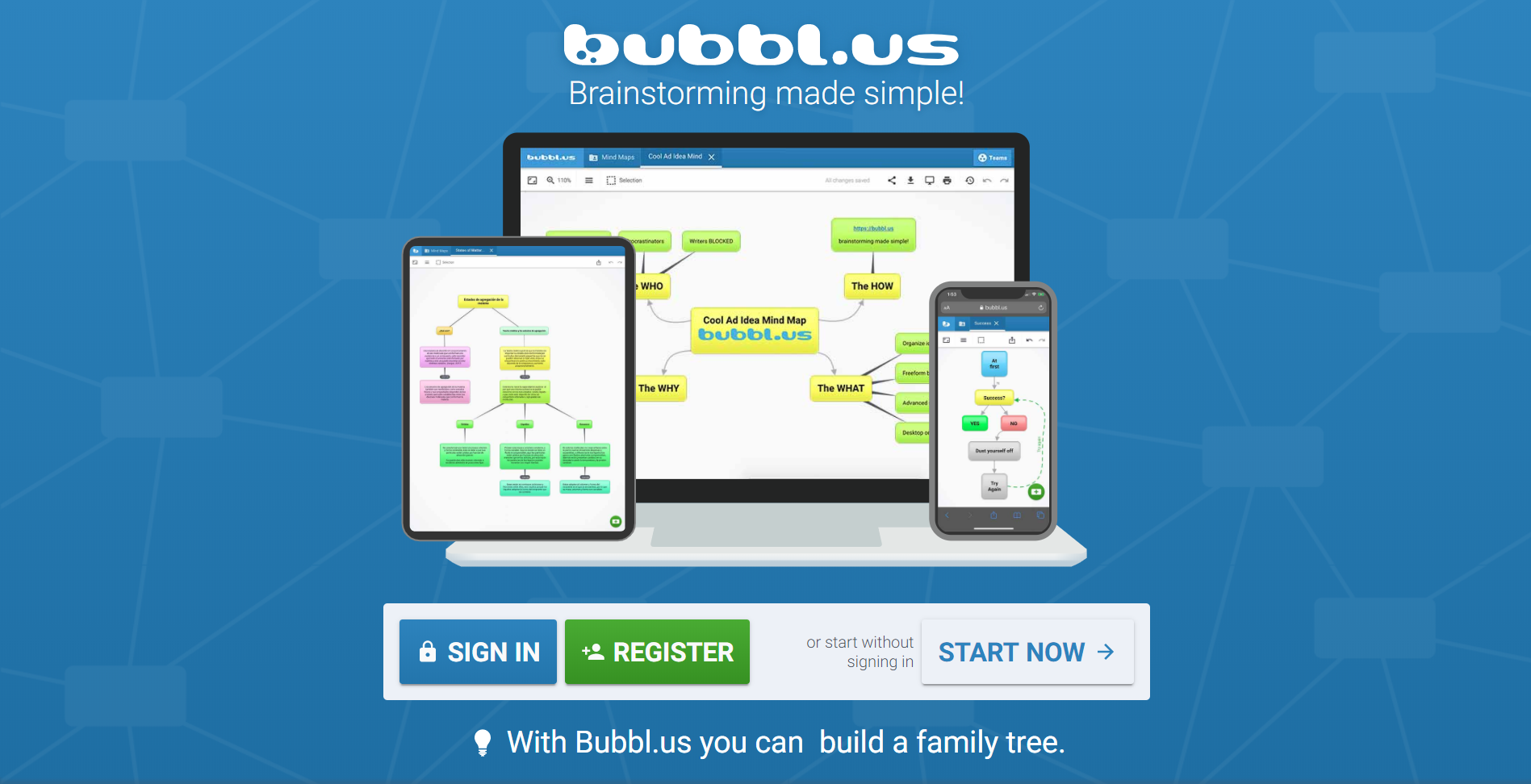
Bubbl.us is a software that creates mind maps online. Mind mapping is a tool to visualize connections between ideas or pieces of information. Ideas are linked by lines, creating a network of relationships that is easy to understand immediately.

To make mental maps on this page, prior knowledge is needed so that students of basic, upper middle and higher level can use it. However, if it is created by a teacher for children from preschool, they can understand it because:

In the preschool stage (3 to 6 years) the child already has several mental schemes: (mental representations according to Piaget, 1981) within them: the permanence of the object (the object exists independent of the subject perceiving it),the conservation scheme (the spatial distribution of the elements is independent of the concept of quantity);the reversibility scheme (presence of the process that shows the relationship between cause and effect). On stage preschool language acquisition is also evidenced as a process that facilitates the representation of concepts and the integration of diverse points of view as a conceptual construction scenario.

Example: http://go.bubbl.us/abf9e2/d545?/Weather

Diagrama

Descripción generada automáticamente

 Puzzle maker

Puzzle maker is a software that creates crosswords. A crossword puzzle consists of filling in the blank boxes of a square or rectangular drawing with letters so that, read horizontally and vertically, they form words; only their definitions are offered for this.

To create this worksheet, you must put the concept, a comma, and the definition in the blank space.

To create or do crosswords you have to know how to read and write so these are used at the basic, upper middle and upper level. The crosswords can be used with concepts of all kinds and on any topic.

Example:

                                                     Avatar


Voki is a software to customize a character and make this character speak by means of a text with a predetermined voice, by an audio or with your voice.

Vokis are avatars that speak, and teachers of all subjects, but mainly those of languages, are using these types of applications to record their own voice and match their digital avatar. The use of animated avatars helps students who feel disconnected from class discussions or who learn more aurally than visually so that they feel more connected to the lesson. Therefore, language teachers use vokis to help students with pronunciation and conversation, by allowing them to record their own voice on their avatars.

In a school assignment, making an avatar on this page requires prior knowledge so that upper and upper secondary students can do it while in preschool and elementary school they need help from their parents or teachers.

 If it is used by the teacher to present a topic, this material can be used at all educational levels.


Example:  http://tinyurl.com/y3o6so6d


Resumen y Análisis del Huehuetlatolli

 HUEHUETLATOLLI (resumen y reflexión) Los huehuehtlahtolli, en cuanto composiciones que dan testimonio de ancestral sabiduría, son la “antig...